"We cut video ad production time by 80%. One product photo becomes a full 15-second ad in minutes. Character consistency sold our client — same face, three different markets."

Sarah K.
Marketing Director
ByteDance's most capable AI video model. Give it a prompt, a reference photo, a video clip, or an audio file — it generates professional-grade video that matches. Characters stay consistent across every shot. Lip-sync is frame-accurate. No GPU. No install.
Lip-Sync from
Any Audio
Upload a voiceover or music track. Mouth movement and body rhythm sync frame-accurately — for speech and beat-driven music.
Consistent
Characters
One reference photo locks in face, outfit, and proportions across every shot — different angles, lighting, and scenes.
Use Any Asset
as a Reference
Combine an image, a video clip, and audio in one generation. Tag each with @Image1 / @Video1 / @Audio1 in your prompt.
Extend &
Bridge Clips
Add 5–15 s to any clip, or connect two separate shots with a seamless generated transition — no visible cut.
Upload images, audio, or video clips — and get cinematic AI video in minutes. Precise lip-sync, consistent characters, seamless clip extension. No install required.
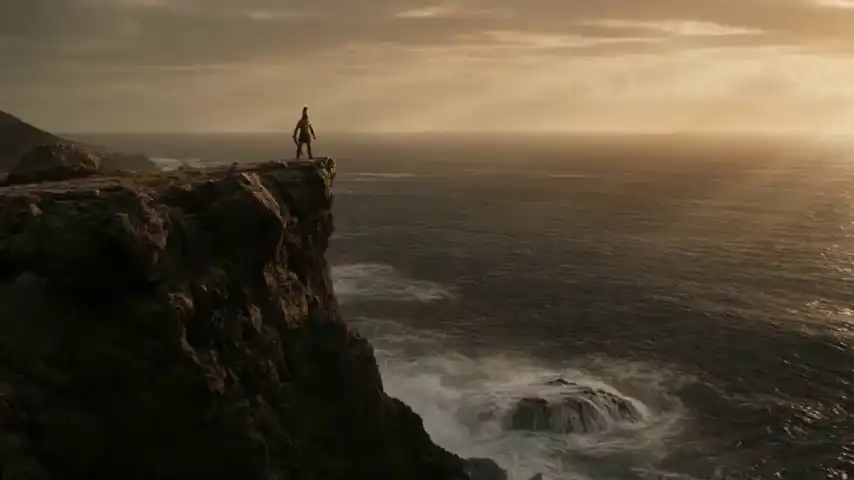
Seedance 2.0 supports text, image, video, and audio as input references. Combine multiple types of materials to guide AI video generation with greater precision and creative control.
Type @ to quickly insert uploaded files into the prompt — e.g. @Image1, @Video1, @Audio1.
Audio cannot be used alone with text — at least one image or video is required.
Each capability maps to a real production problem — built into Seedance 2.0 by ByteDance, not bolted on.
Upload dialogue, music, or narration and Seedance 2.0 generates matching visuals with millisecond-accurate lip-sync. Sound becomes the director — the first AI video generator built this way.
Facial features, attire, and body type stay locked across every angle and environment. Your characters remain themselves from frame one to the last — no drift, no inconsistency.
The model synthesizes synchronized Foley effects — footsteps, rustling fabric — and layers environment-specific ambient sound automatically, producing a full cinematic audio experience.
Lighting, color grading, and spatial logic stay consistent across multiple shots. Design long-form stories with confidence — Seedance 2.0 handles the continuity so you don't have to.
Feed images, video clips, and audio simultaneously as creative references. Product photos, past footage, brand music — whatever assets you already have become the blueprint for generation.
Generate the next 5–15 seconds of an existing clip without re-describing the scene, or connect two clips with a generated bridge. Same characters, same camera logic — no visible cut.
Full specification of inputs, outputs, resolution options, and credit consumption rates for Seedance 2.0 by ByteDance.
Seedance 2.0
ByteDance AI
Browser-based
No install · No GPU
4 – 15 seconds
Per generation
6 formats
21:9 · 16:9 · 4:3 · 1:1 · 3:4 · 9:16
Text Prompt
Describe scene, motion, lighting, camera, and style in plain language
Reference Images
PNG, JPG, WebP — locks in character identity, visual style, or scene composition via @Image1 tag
Reference Video Clips
MP4 — defines motion patterns, camera movement, and timing via @Video1 tag
Audio Files
MP3, WAV — drives lip-sync, body rhythm, and visual timing via @Audio1 tag
| Mode | 480p | 720p | 1080p | 5s example |
|---|---|---|---|---|
| Standard | 2 cr/s | 5 cr/s | 11 cr/s | 10 / 25 / 55 cr |
| Fast FAST | 1 cr/s | 2 cr/s | Not available | 5 / 10 cr |
Starter plan (900 credits): ~90 clips at 480p 5s · ~36 clips at 720p 5s · ~16 clips at 1080p 5s.
Three steps from idea to cinematic output — choose your input, write your prompt, and generate in minutes. No learning curve required.
An image locks in visual style. A video clip defines motion. An audio file sets rhythm. You can combine all three — or just start with text.
Write what you want, then tag what you uploaded: '@Image1 for character style, follow the movement of @Video1.' That's the full instruction set — no special syntax to learn.
@Image1 for character style, follow the movement of @Video1Get your video in seconds. Extend it with Continue Filming, edit specific elements, or use the output as a new reference for the next shot.
From character-consistent stories to audio-driven scenes — see what creators are generating right now with Seedance 2.0.
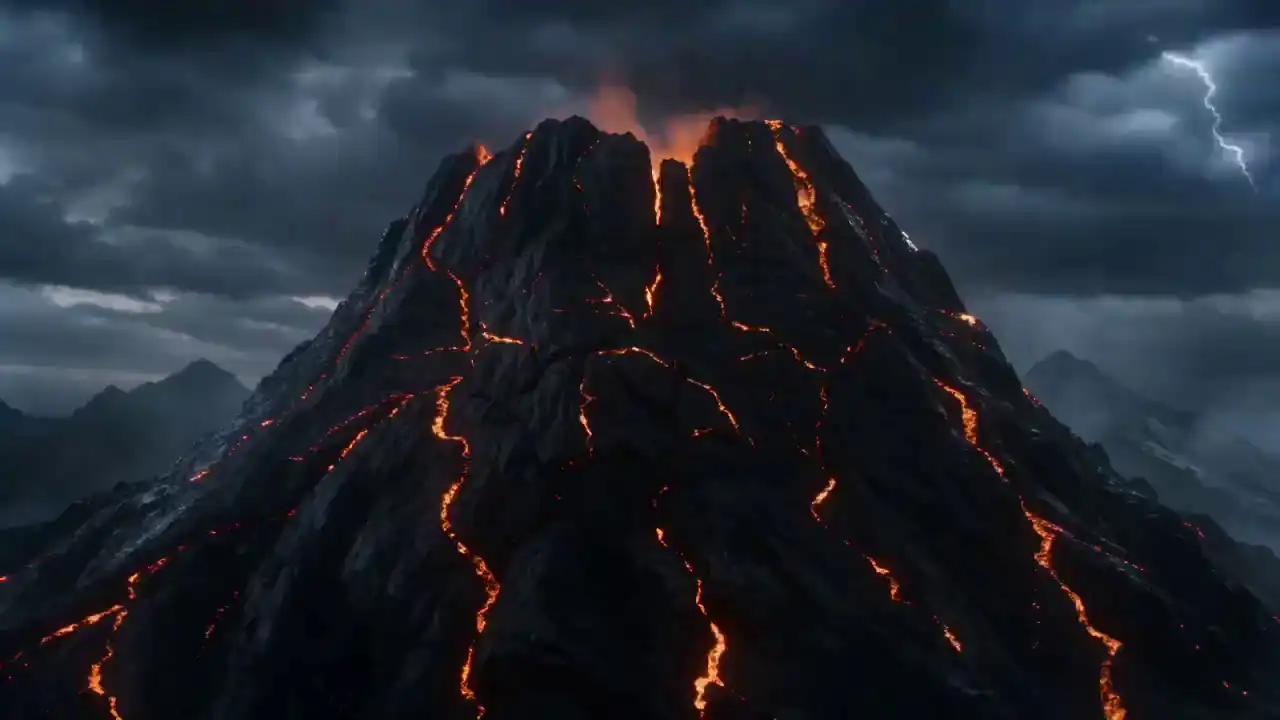
Massive fire dragon emerges from a cracking mountain with molten lava
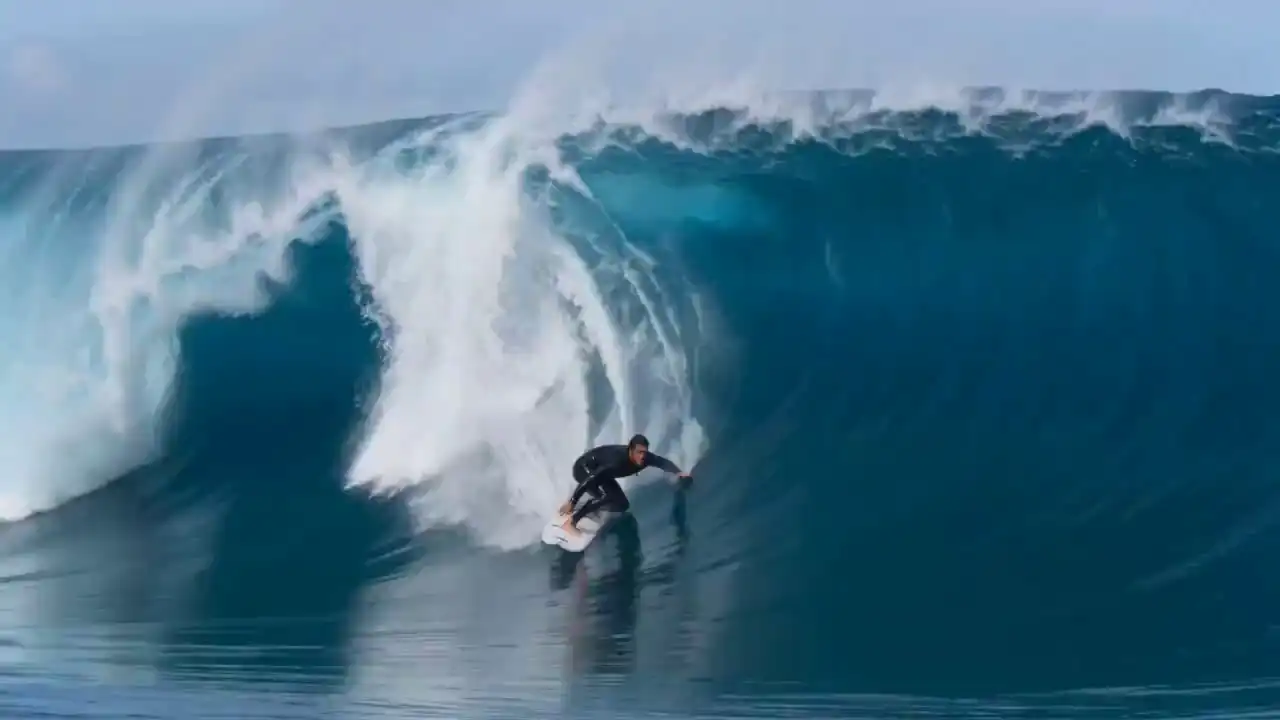
Surfer rides through a massive blue wave tunnel in cinematic slow motion
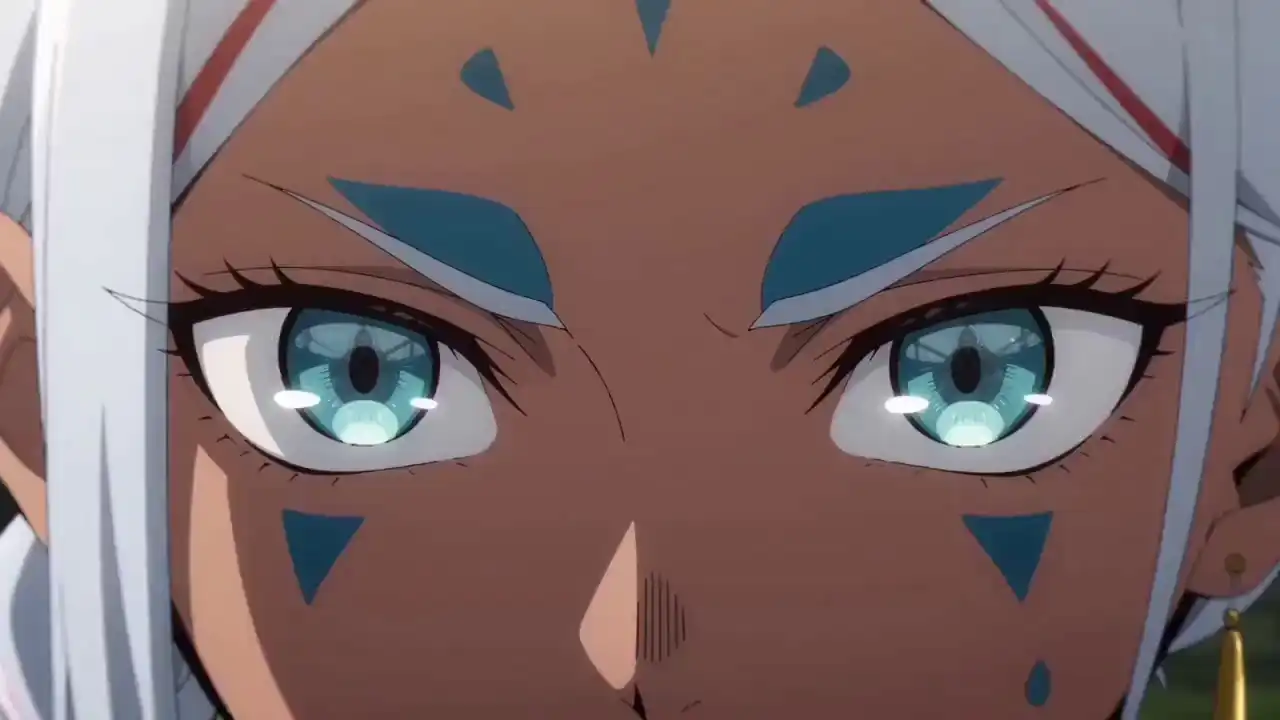
2D anime character fights samurai in a realistic cinematic world
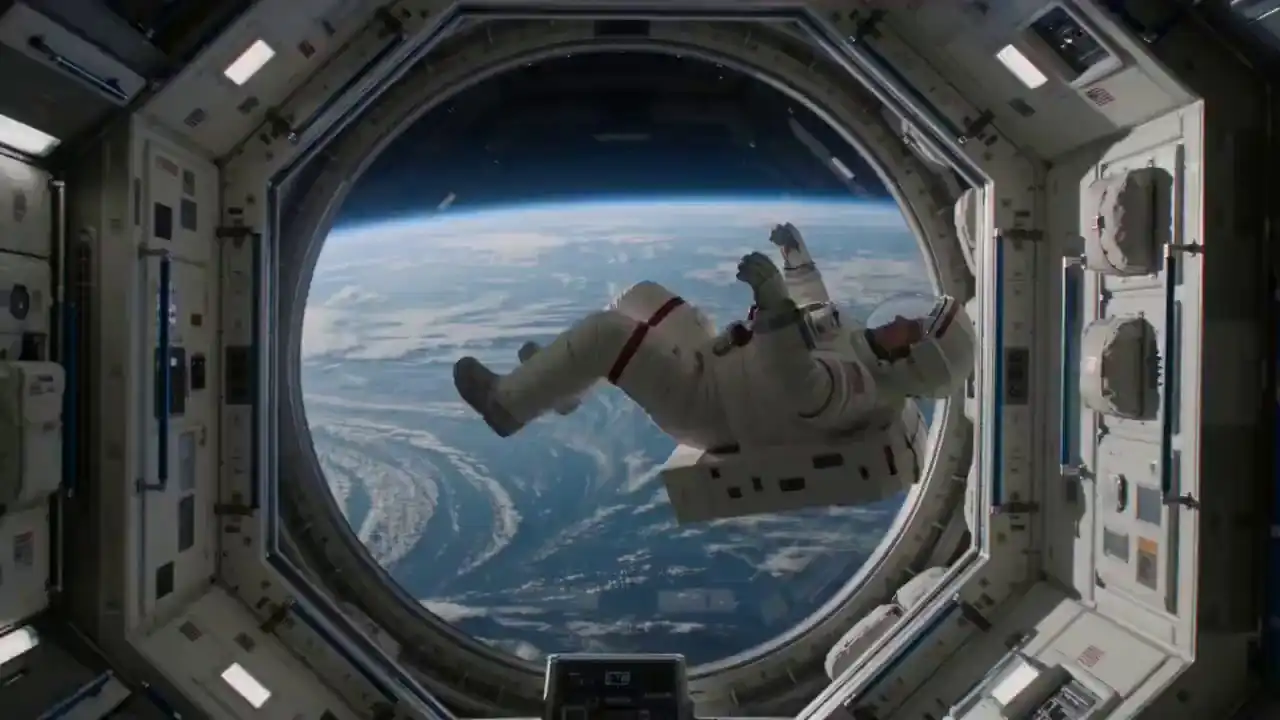
Astronaut floating in a space station viewing a glowing blue planet
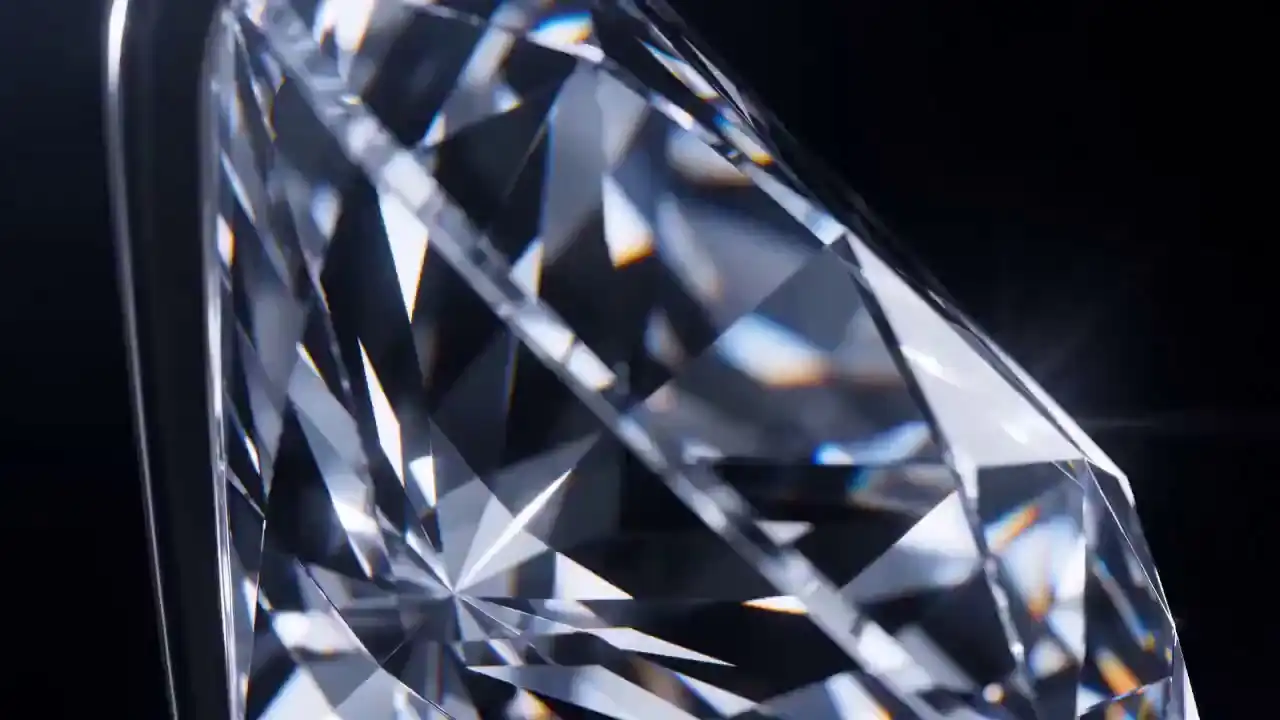
Sparkling diamond rotating under dramatic dark studio lighting
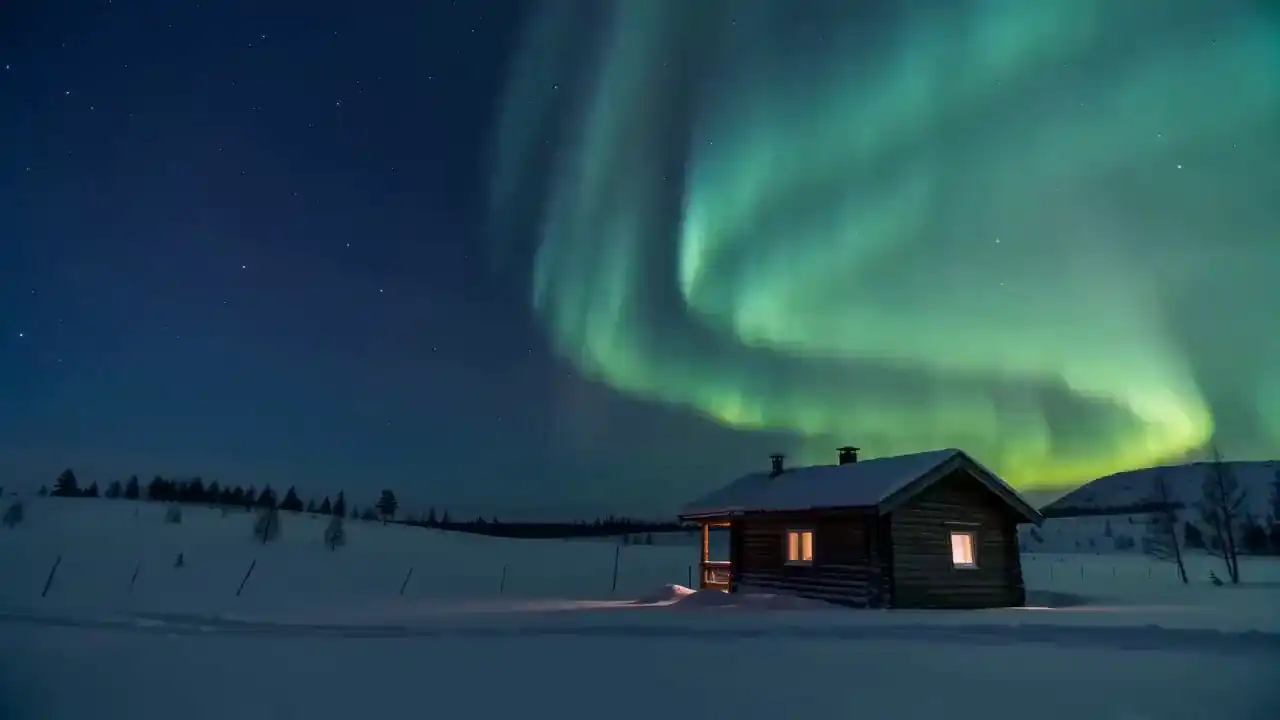
Wooden cabin in a snowy wilderness under vibrant aurora borealis
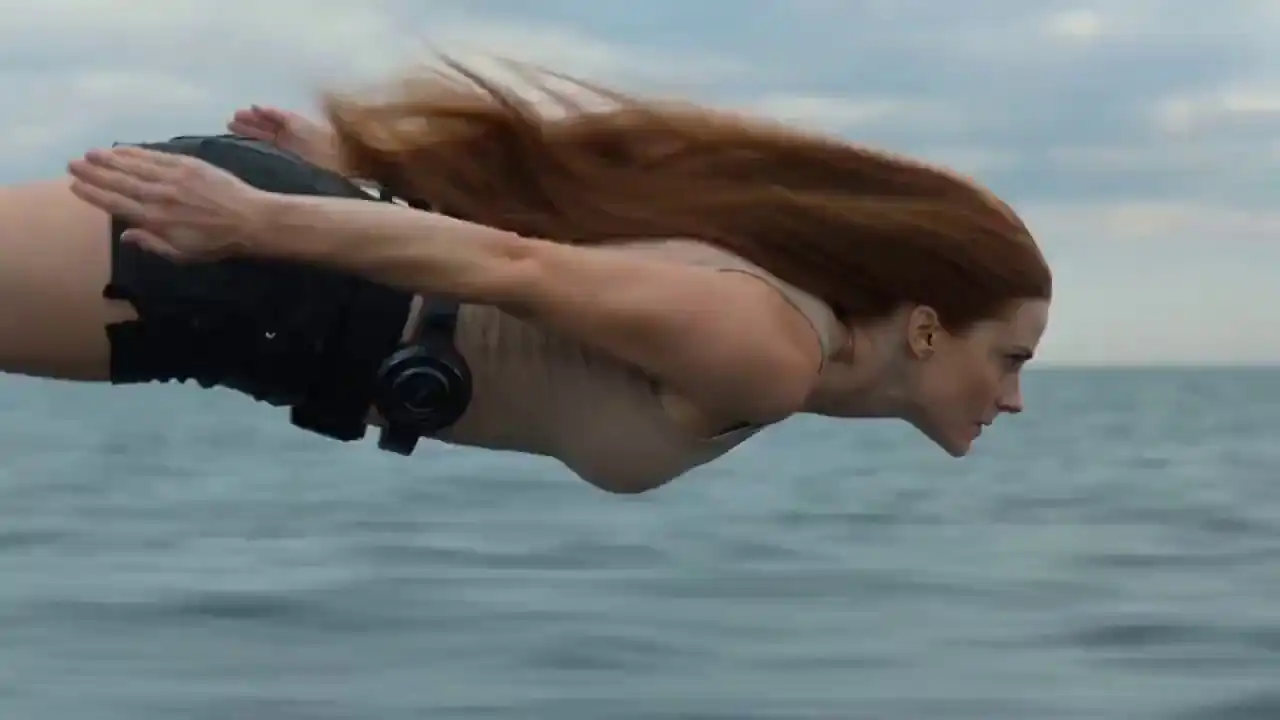
Realistic 4K action of a woman diving into water with fluid simulations
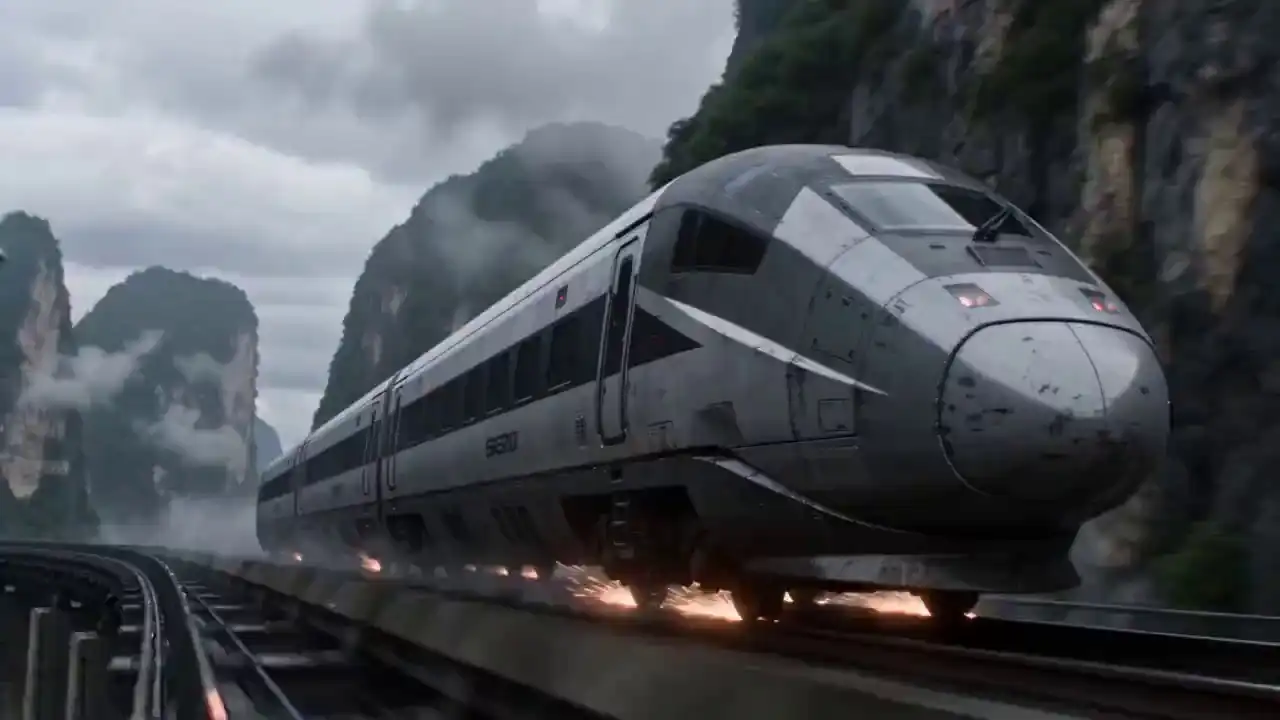
Military aircraft docks and merges with a high-speed train
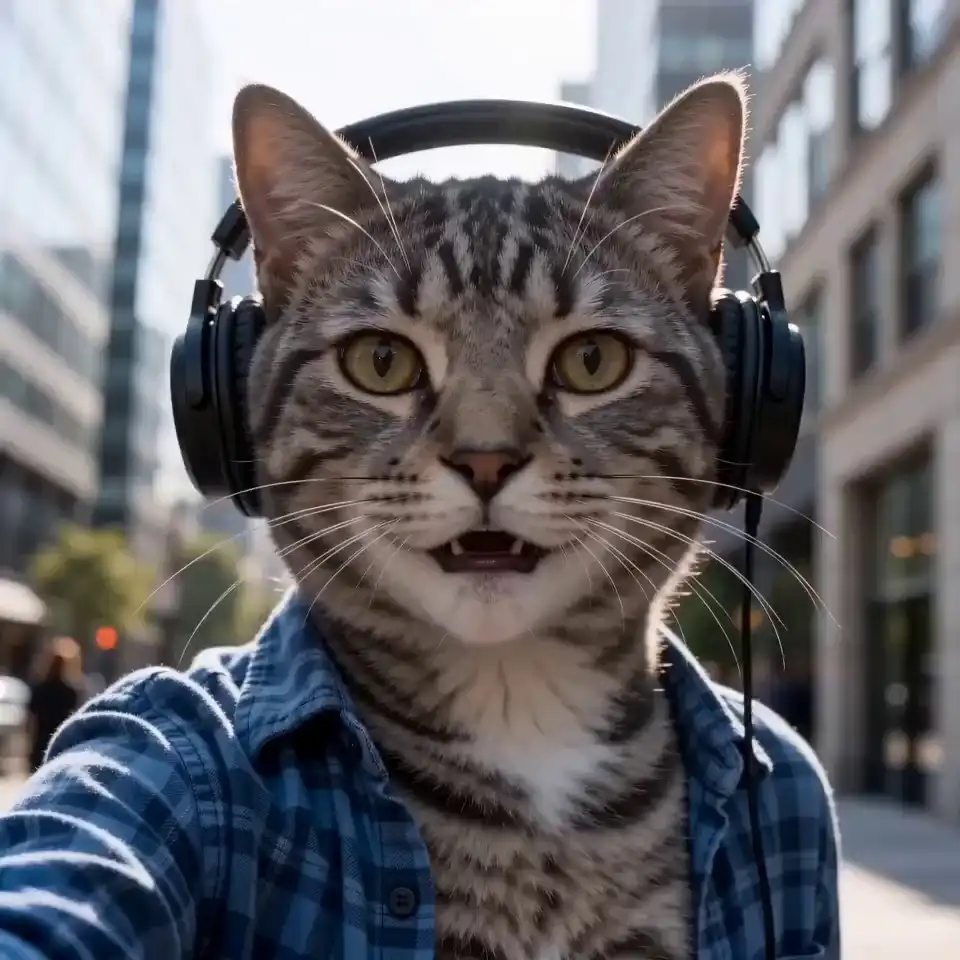
A tabby cat in a blue shirt records a selfie vlog on a city street
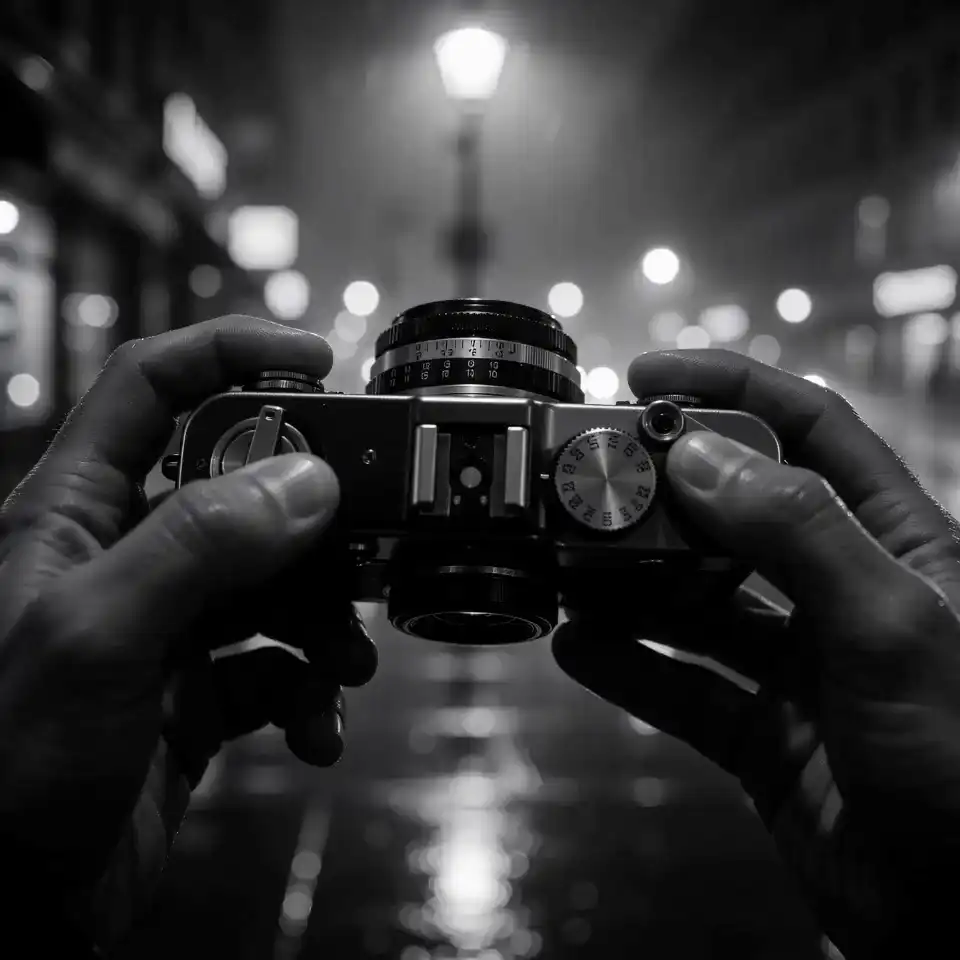
Retro film camera on a wet noir city street in black and white
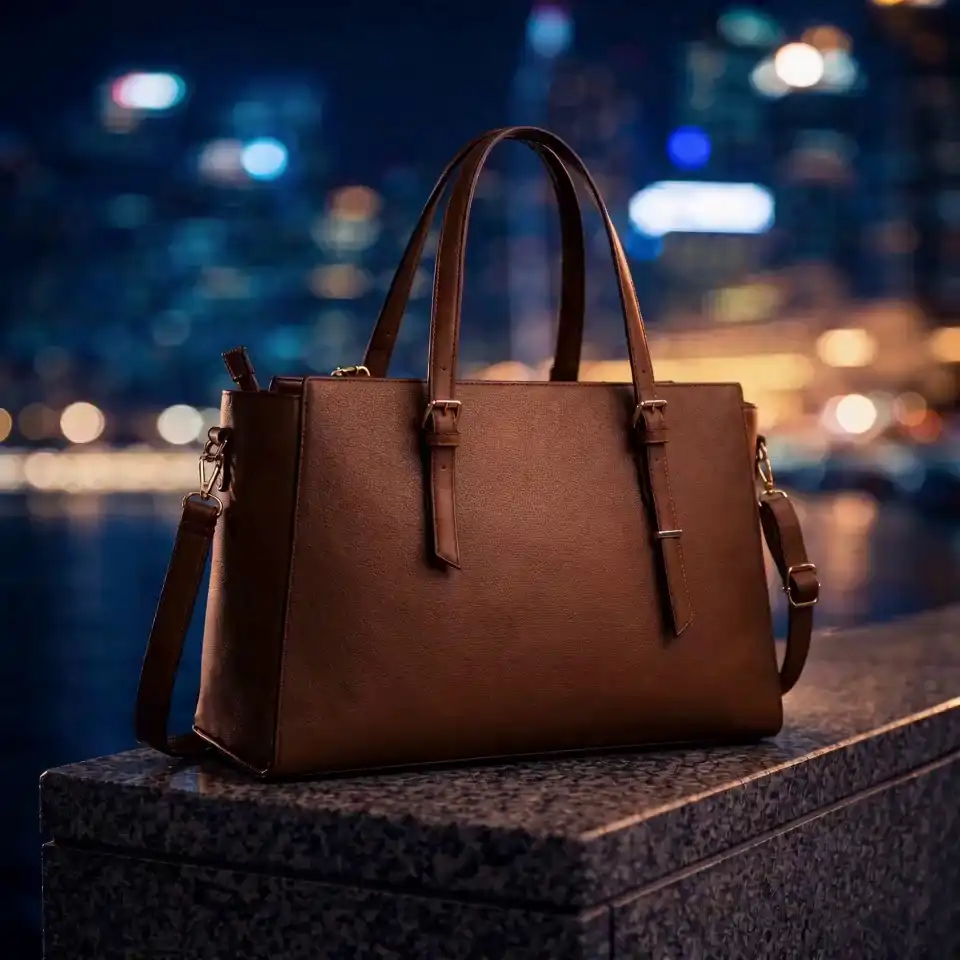
Luxury leather tote bag on a city waterfront at night with glowing skyline
The same model works across different production types. Here's how different teams use it.
Turn a product photo into a video ad without a production shoot. Generate variants for different markets from one reference image — same character, same product, different background or audio. Most teams do 3–4 variants per week this way.
Keep your main character consistent across every episode with one reference photo. Close-ups, wide shots, different lighting — the face stays the same. No need to re-describe the character each time.
Film yourself once, then use that clip as a motion reference for different character styles — anime, cinematic, costume swaps. What used to take all day now takes about an hour.
Generate a shot, extend it 10 seconds, then stitch another shot onto the end. You can show a director a 30-second continuous sequence instead of three disconnected clips. Good for pre-viz before any crew or set is involved.
Record your voiceover, upload a character photo, write a short prompt — the output includes accurate lip-sync. No green screen, no actor scheduling, no post-production audio work.
Feed in an environment sketch and a camera reference clip. Get a 10-second walkthrough video your art director and client can actually review before any 3D work starts.
Swap outfits, replace background elements, or add effects inside an existing clip. One source video, multiple variations. No reshooting required.
Upload a reference choreography clip and apply those exact movements to any character. Useful for dance covers, action sequences, and sports motion replication.
Real feedback from creators using Seedance 2.0 across different workflows.
"We cut video ad production time by 80%. One product photo becomes a full 15-second ad in minutes. Character consistency sold our client — same face, three different markets."
Sarah K.
Marketing Director
"My lead character looks exactly the same in every episode — different angles, different lighting. One reference photo and Seedance 2.0 locked in her face for the entire run."

Marcus L.
Series Creator
"I film myself once and use that clip as a motion reference. In an hour I have six different character variations ready for TikTok. Engagement has been up 3x since I started."

Priya R.
Content Creator
"Generate a shot, extend it 10 seconds, stitch another. I showed my director a 30-second continuous sequence before we had a crew or a set. No other tool lets you do that."

David C.
Independent Filmmaker
"We cut video ad production time by 80%. One product photo becomes a full 15-second ad in minutes. Character consistency sold our client — same face, three different markets."
Sarah K.
Marketing Director
"My lead character looks exactly the same in every episode — different angles, different lighting. One reference photo and Seedance 2.0 locked in her face for the entire run."
Marcus L.
Series Creator
"I film myself once and use that clip as a motion reference. In an hour I have six different character variations ready for TikTok. Engagement has been up 3x since I started."
Priya R.
Content Creator
"Generate a shot, extend it 10 seconds, stitch another. I showed my director a 30-second continuous sequence before we had a crew or a set. No other tool lets you do that."
David C.
Independent Filmmaker
"Record my voiceover, upload a character image, write a prompt — done. The lip-sync is accurate enough that students don't even notice it's AI. Production costs dropped 90%."

Aisha M.
Course Creator
"We feed in environment sketches and camera reference clips. The team reviews a 10-second walkthrough before any 3D work starts. It's saved us weeks of expensive revision cycles."

James W.
Game Art Director
"Outfit swaps, background replacements, style transfers — all from one source video. Five variations from a single shoot. The reference tagging system is intuitive once you get it."

Yuki T.
Creative Director
"Upload a choreography clip, apply it to any character. I covered a full K-pop routine in 45 minutes. The motion replication is precise — beats sync exactly where they should."

Carlos V.
Dance Content Creator
"Record my voiceover, upload a character image, write a prompt — done. The lip-sync is accurate enough that students don't even notice it's AI. Production costs dropped 90%."
Aisha M.
Course Creator
"We feed in environment sketches and camera reference clips. The team reviews a 10-second walkthrough before any 3D work starts. It's saved us weeks of expensive revision cycles."
James W.
Game Art Director
"Outfit swaps, background replacements, style transfers — all from one source video. Five variations from a single shoot. The reference tagging system is intuitive once you get it."
Yuki T.
Creative Director
"Upload a choreography clip, apply it to any character. I covered a full K-pop routine in 45 minutes. The motion replication is precise — beats sync exactly where they should."
Carlos V.
Dance Content Creator
Pay only for what you generate. Credits never expire, no monthly commitment. Try free before you buy.
Choose a credit multiplier
1,820 credits
How lip-sync works, what inputs are supported, character consistency explained — everything before you start generating.
Pay only for what you generate. Credits never expire. No monthly commitment.
Plans from $9.9. Full refund within 7 days if less than 10% of credits used.
This is an independent tool site. It is not affiliated with, sponsored by, or officially connected to ByteDance in any way.